
E-commerce imagery
Develop product listing concepts, detail views, and seasonal scenes from a product reference. Keep recognizable features explicit while exploring the background and composition.
Sign in to claim 100 starter credits and begin creating
A more useful image workflow
Nano Banana 2.1 advances visual design, image editing, and subject consistency, so you can spend more time shaping a useful result and less time restating the same brief.
More natural textures and clearer visual structure
Better typography and infographic layouts
Recognizable subjects across edits and scenes
What changes with Nano Banana 2.1
Nano Banana 2.1 improves how a scene looks, how instructions are followed, and how individual elements fit together. These changes help when a picture needs to communicate a specific message.
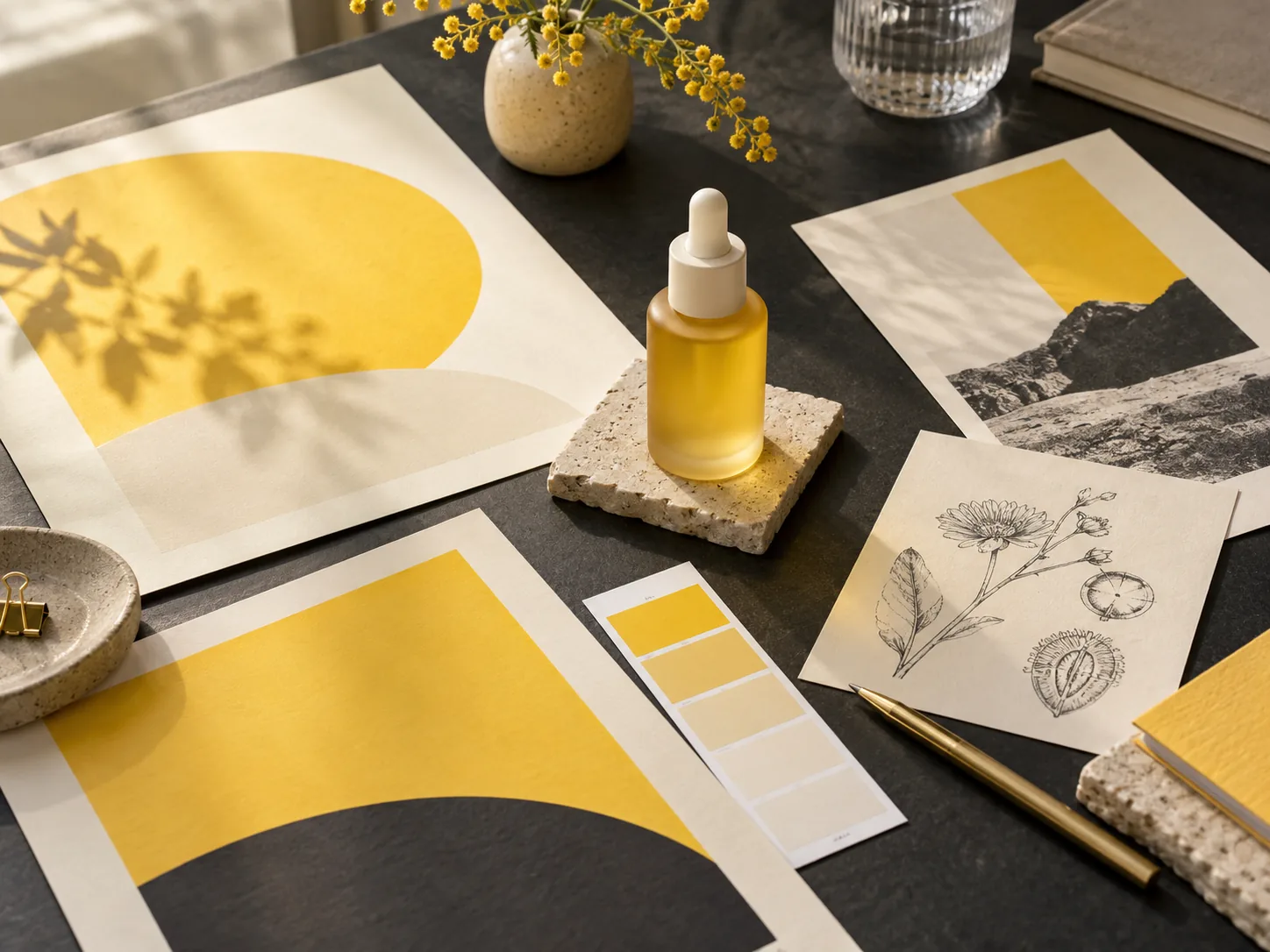
Build images around the qualities viewers notice: fabric texture, glass reflections, skin detail, and believable lighting. Nano Banana 2.1 improves visual realism while supporting photographic and illustrated styles.
Bring a headline, subject, and supporting graphics into one composition. Improved text rendering and infographic design make Nano Banana 2.1 useful for posters, invitations, educational visuals, and campaign concepts.
Describe a replacement background, a new color, or an object to change. Nano Banana 2.1 improves editing precision, including mask-guided edits, while instructions can identify the parts of the source image to retain.
Combine references for a person, a product, and a visual style. Better multi-reference editing and subject consistency help carry defining details into a new composition instead of starting over for each scene.
Nano Banana 2.1 supports 1K, 2K, and 4K output with improved quality across resolutions. Wide and panoramic rendering also improves, helping you prepare detail-rich designs and broad compositions.
Nano Banana 2.1 pairs image creation with reasoning and supports web and image search grounding. Use a clear brief to describe relationships, factual context, and design constraints, then review the result for accuracy.
Explore three visual directions
Use Nano Banana 2.1 to develop a recognizable product, a recurring character, or a clear message. These illustrations suggest creative directions for your own brief.
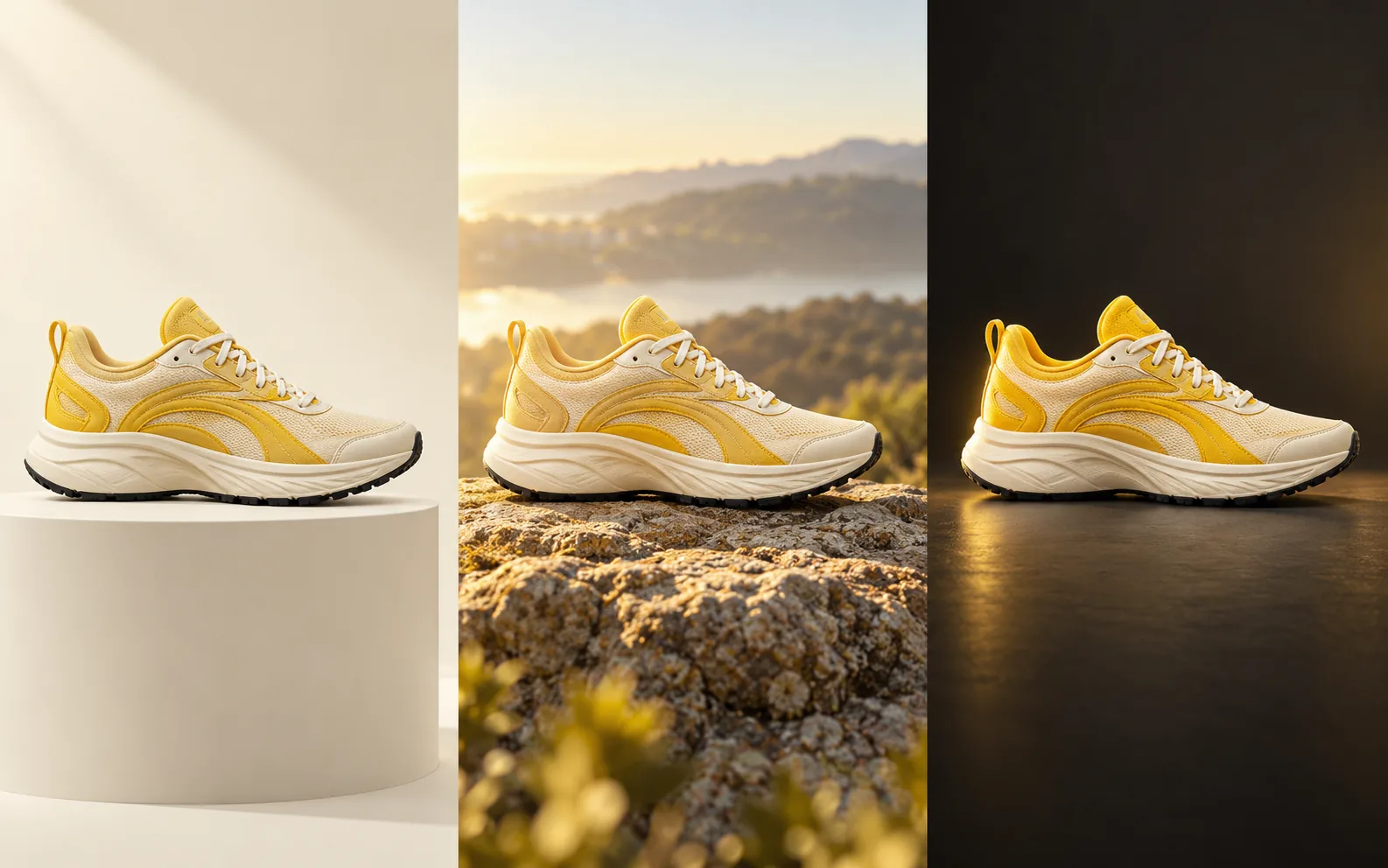
Start with the item your audience should recognize. Describe its shape, materials, and details, then vary the scene, lighting, or camera angle. Nano Banana 2.1 can help develop catalog concepts, launch imagery, and lifestyle compositions around a consistent product.
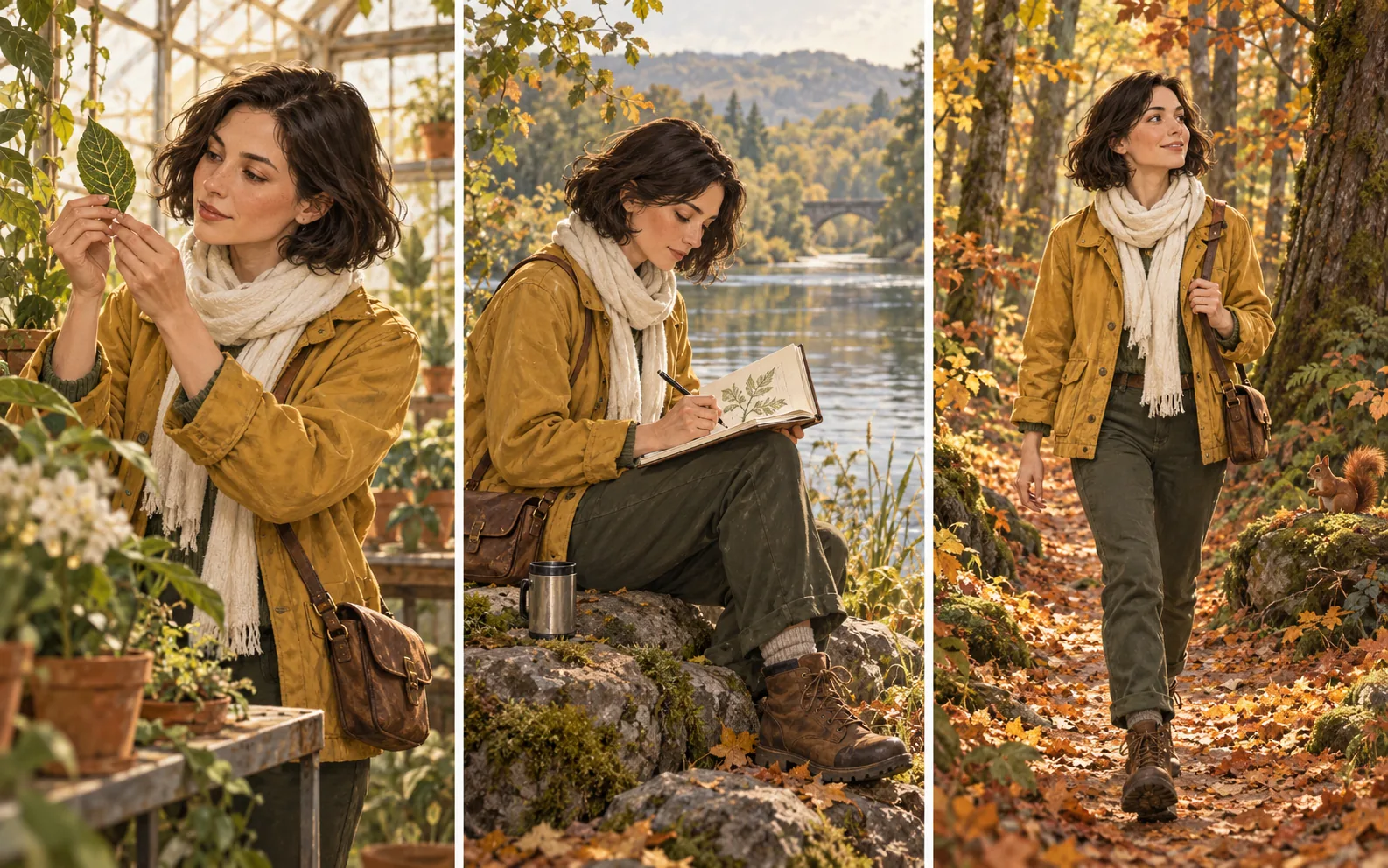
Give the subject a clear reference and a short list of defining features. Explore new poses, locations, and moods while retaining a recognizable visual identity. Nano Banana 2.1 is useful for illustrated stories, character studies, and storyboard concepts.
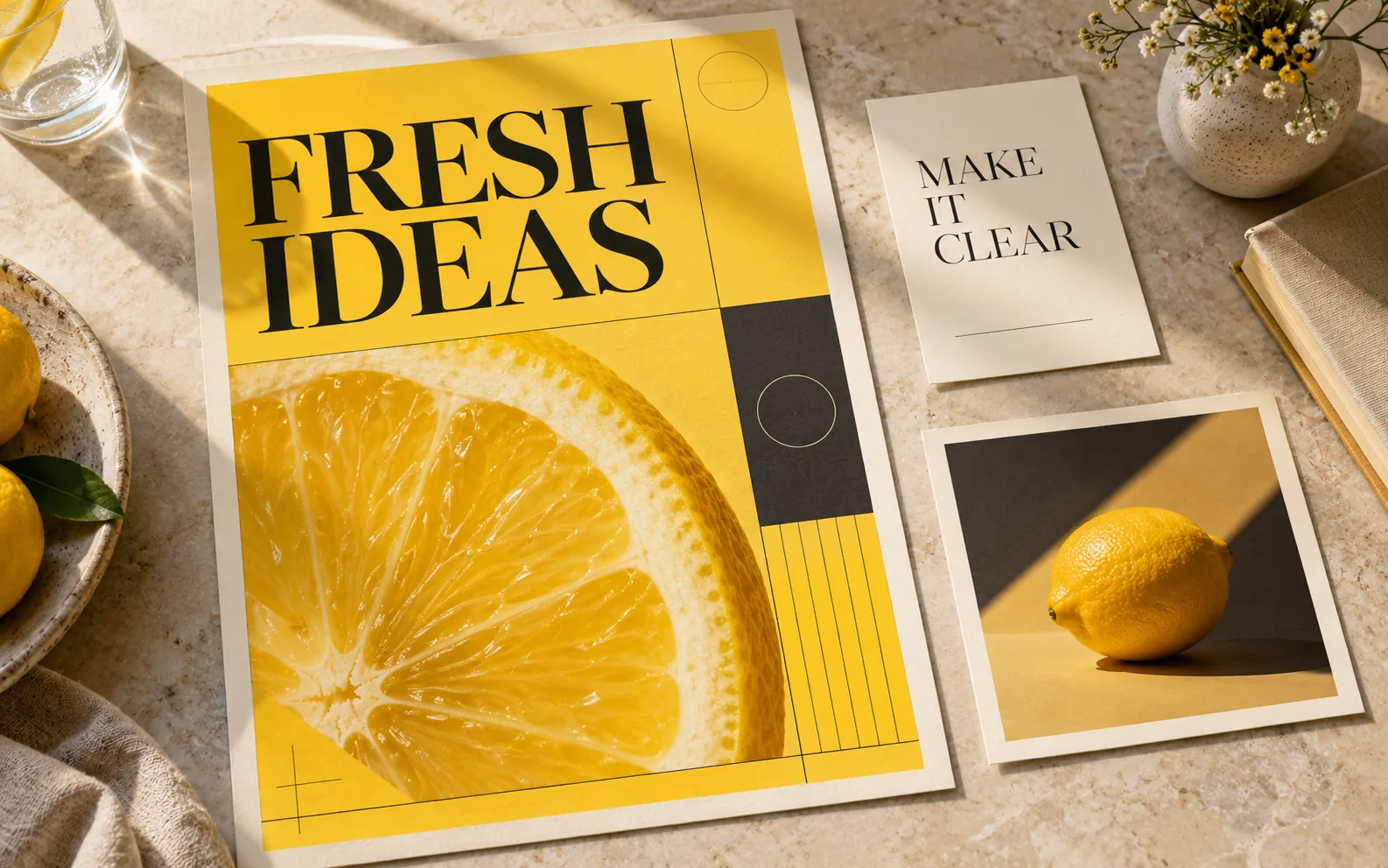
Specify the exact words, hierarchy, and placement before generating a poster or information graphic. Nano Banana 2.1 brings stronger visual design and text rendering to layouts where the message matters as much as the picture.
Build a clear creative brief
Make the important choices explicit, review the output against your brief, and use your preferred result as the basis for another iteration.
Describe what the image should communicate and where it will appear. A product listing, educational diagram, and social cover need different framing and visual priorities.
Explain which image defines the product or character, which supplies the style, and what must stay recognizable. For an edit, separate the change from the details to preserve.
Select the available size and aspect-ratio settings for your output. Add the focal point, lighting, exact headline, and any space the design needs for other content.
Check product details, faces, spelling, and factual labels. Refine a specific part of the composition, then download the version that best fits your project.
From a creative brief to a useful visual
Choose a task with a clear visual objective. Nano Banana 2.1 gives creators, designers, educators, and product teams more ways to explore it.
Develop product listing concepts, detail views, and seasonal scenes from a product reference. Keep recognizable features explicit while exploring the background and composition.
Prepare poster concepts, content covers, and promotional graphics around a short message. Guide the colors, visual hierarchy, and space for a headline.
Turn supplied notes into a labeled diagram or illustrated explanation. Give Nano Banana 2.1 the facts and relationships to show, then review labels and data before sharing.
Explore translated headlines and culturally relevant settings for a design. Provide approved wording for each audience and check the final spelling and layout.
Develop recurring subjects across scenes, outfits, and expressions. Use references and a consistent brief to guide the story’s visual continuity.
Try a new setting, palette, outfit, or illustration treatment for an existing image. Explain which subject details Nano Banana 2.1 should retain through the change.
Useful answers before you create
Understand the model, prepare better references, and choose a practical approach to your next image.
Nano Banana 2.1 is an image generation and conversational editing model in the Gemini family. It updates Nano Banana 2 with improvements in visual quality, prompt adherence, subject consistency, and text rendering. Its uses include original images, photo edits, product concepts, posters, and illustrated explanations.
Nano Banana 2.1 improves visual design, realism, multi-turn consistency, multi-reference edits, and text or infographic layouts. Mask-guided editing and wide-format image quality also improve. A useful way to apply these changes is to define a precise brief and compare the result against the details you care about.
Nano Banana 2.1 retains the speed-oriented approach of the Flash family while improving image quality and editing control. Develop a few clear visual directions, review them, and refine the most useful one. Generation time varies with the task and settings.
The model supports multiple references and image fusion. Assign a clear role to each reference, such as the product, person, pose, or style, and specify how the elements should appear together. Use the reference settings available in your chosen workflow.
Identify the change first, then the details to retain: replace the background with an ivory studio wall, keep the bottle shape and label, and match the existing light direction. Clear preserve-and-change instructions help Nano Banana 2.1 follow a focused editing brief.
Yes. The model supports in-image text and improved typography and infographic layouts. Supply the exact wording, language, hierarchy, and position. Short, deliberate copy is easier to review; check spelling, small text, and factual labels before publishing.
Nano Banana 2.1 supports 1K, 2K, and 4K image output, with improved visual quality across these resolutions and improvements for wide panoramic formats. Choose the settings offered in your workflow and frame the image for its final use.
Use a clear reference and name the defining features: face, hair, clothing, silhouette, materials, or product markings. Reuse the same reference and creative direction across scenes, and inspect each result for details that drift.
Review faces, hands, product details, spelling, translations, and factual information in diagrams. Nano Banana 2.1 can improve a creative workflow, but a final review remains part of preparing a visual for a real audience.
Open Create, enter an image brief, and add references if needed. You can prepare your prompt before signing in; sign in to generate and save your work. Review the chosen model, settings, and credit charge before submitting, and compare plans on the pricing page.
Match your plan to how often you create: recurring credits for a regular workflow, or a one-time pack for a defined visual project.
Cancel anytime
Make the next idea visible
Bring a product reference, a character, or a clear headline. Explore a composition, refine the details, and save a version that fits your project.