
Light that explains the material
Describe how light meets glass, metal, fabric, or skin. Name the surface texture and the type of reflection or shadow you want, rather than relying on a broad style label.
A glass reflection, a familiar character, a headline that belongs in the composition: start with the details your design needs. Use Nano Banana 2.1 to explore images from prompts and references, then review the result against your brief.
Details that shape an image
Good image design brings several decisions together. Describe how the subject should look, what must stay recognizable, and how the composition will carry your message.
Describe how light meets glass, metal, fabric, or skin. Name the surface texture and the type of reflection or shadow you want, rather than relying on a broad style label.
Use supported reference inputs to show a subject, a setting, or a visual style. Explain what each image contributes and which details should remain unchanged.
For a series, keep a consistent description of the character or product. Point out the defining shape, colors, clothing, or packaging before changing the scene.
Specify the exact words, their hierarchy, and where they belong. For an infographic, describe the reading order and the relationship between labels and visual elements.
Image projects
Explore how a product, a person, or a design palette can connect a set of images. These visual references offer ideas for your own brief and composition.
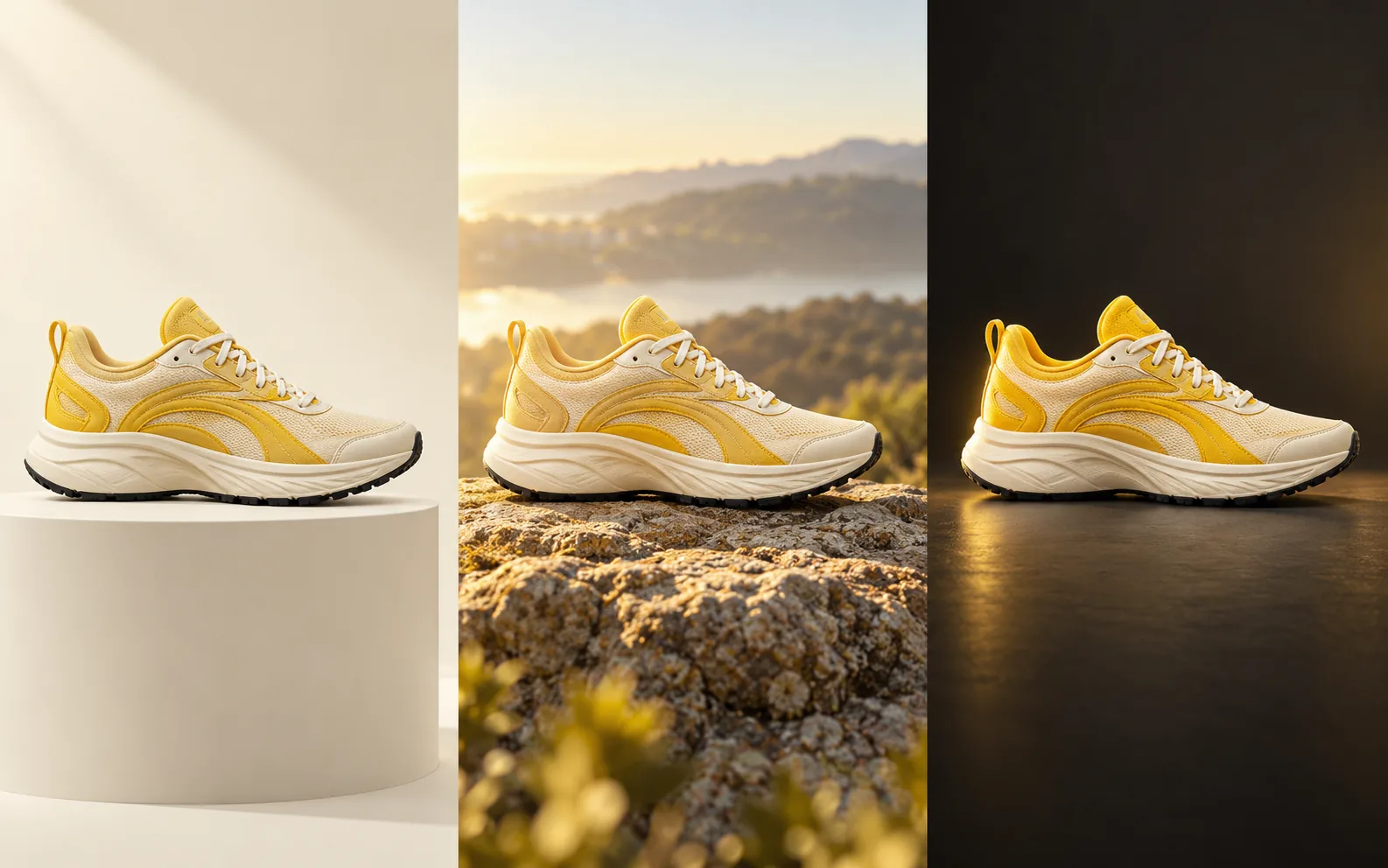
Plan a studio catalog image, an outdoor scene, and a darker campaign composition around the same yellow-and-white running shoe. Identify the panel shapes, mesh texture, laces, and sole that should remain recognizable.
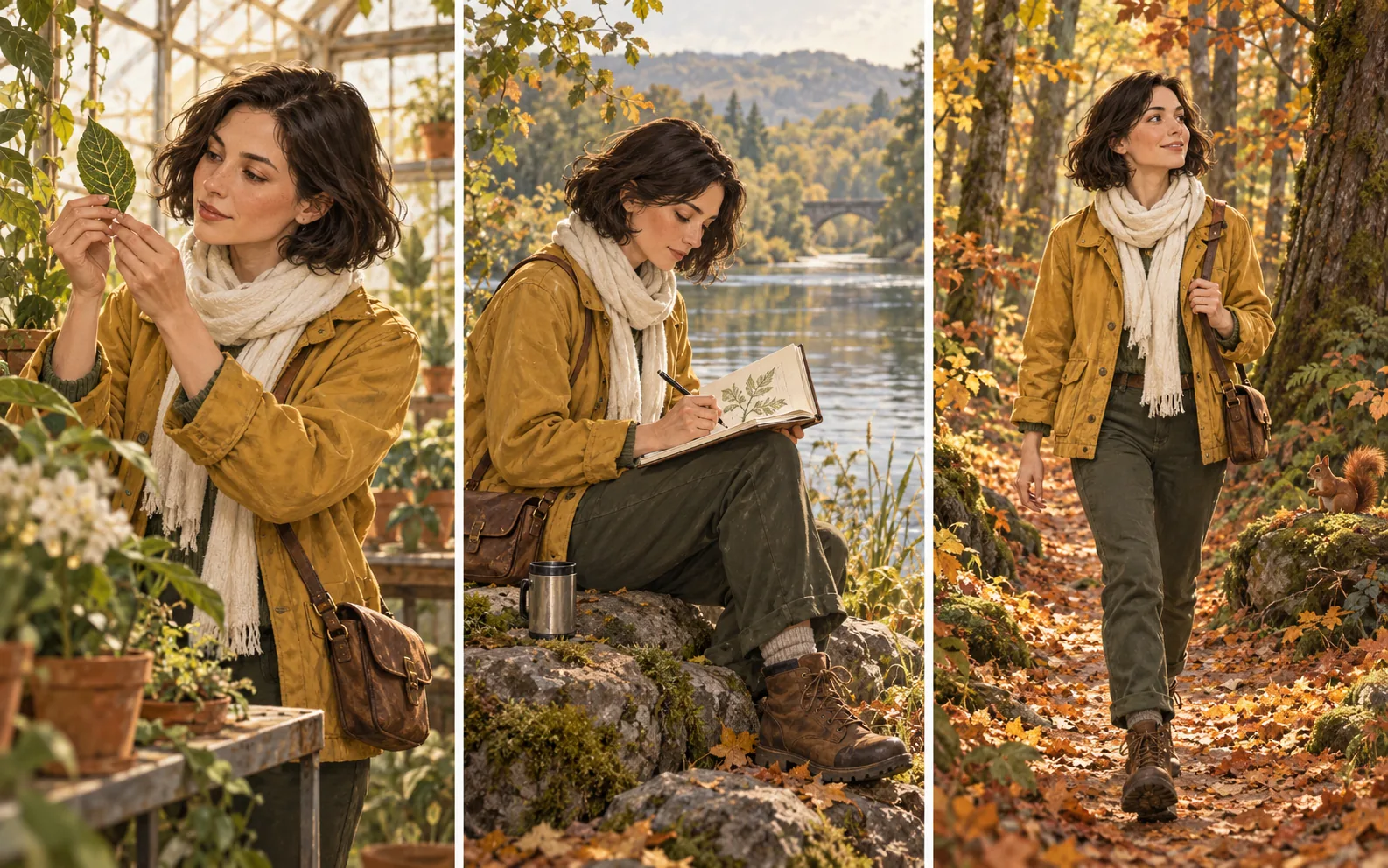
Build a sequence around observing a leaf, sketching beside a lake, and walking through an autumn forest. Keep the short brown hair, mustard jacket, and ivory scarf in the brief as the setting and pose change.
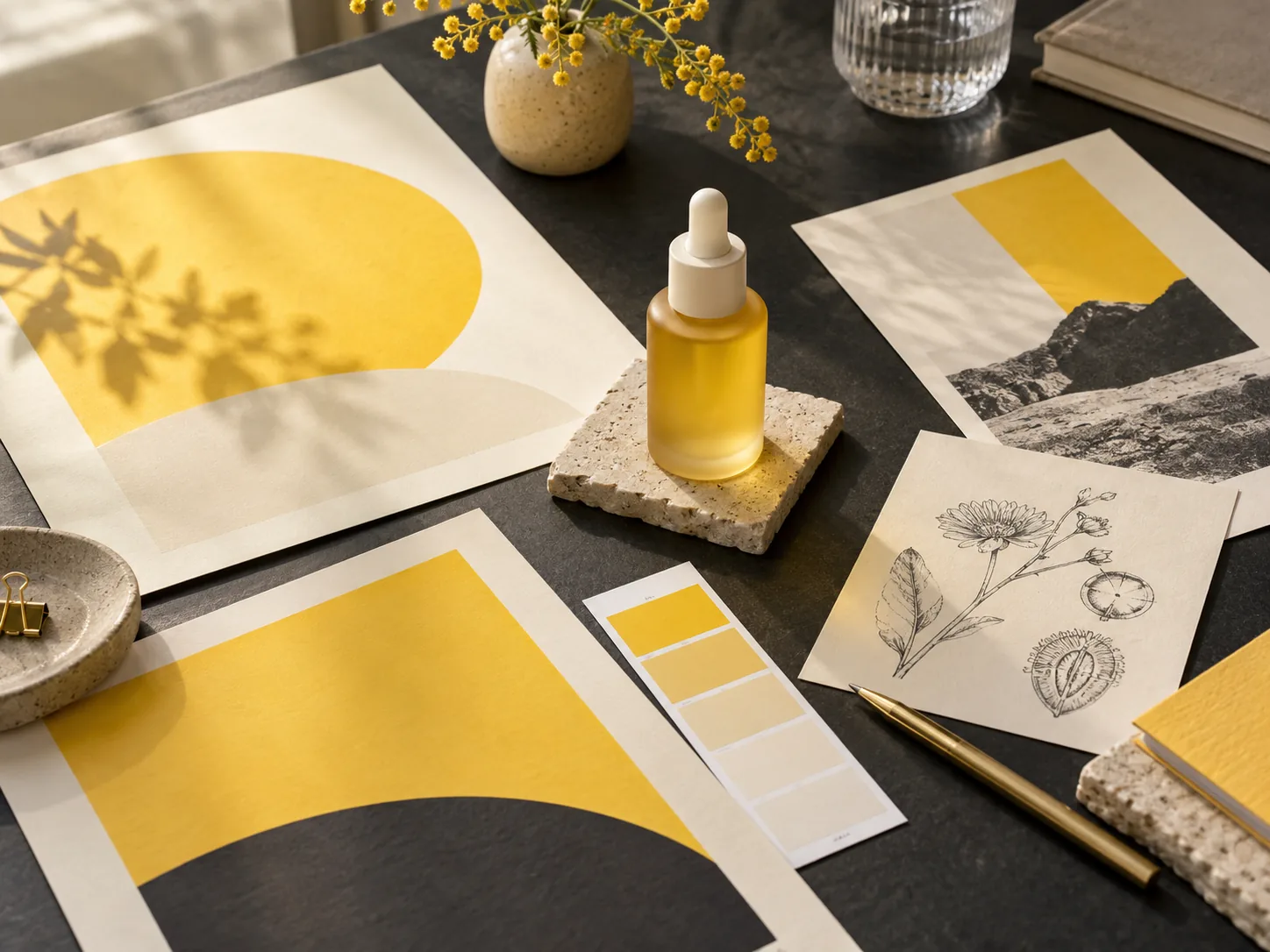
Use the yellow skincare bottle, color swatches, graphic posters, and botanical sketches as a starting point for a visual direction. Plan how product color, graphic shapes, and natural details will work together.
From brief to image
A useful prompt distinguishes the new visual idea from the details that should survive each revision.
01
Name the subject and where the image will appear. Describe the composition, light, and materials that matter for that use.
02
In a supported image mode, upload the relevant reference materials. Explain which image guides the subject, which guides the setting, and what should be preserved.
03
Select the image model and supported aspect ratio or resolution. Check the displayed credit cost and your balance, then sign in to submit.
04
Inspect the result for identity, geometry, and text. For another version, write a focused change and repeat the details that must remain.
Image creation questions
Use these answers to turn a visual requirement into a more precise prompt and a better review process.
Specify the subject's material, the direction and softness of the light, and the camera viewpoint. Check reflections, edges, proportions, and fine detail in the result. Visual realism is one of Nano Banana 2.1's strengths; the final image still needs to be reviewed for your intended use.
Choose a mode that accepts the references you need. Describe each reference separately: the product from one image, the setting from another, or the palette from a third. List the details to retain so that your prompt does not ask for conflicting changes.
Name the area or object to change, describe its replacement, and state what should stay the same. Nano Banana 2.1 supports conversational editing and local edits. In the generator, prepare the source image through a supported reference mode and keep the edit request specific.
Nano Banana 2.1 supports text and infographic layout. Supply the exact wording and describe its position, hierarchy, and reading order. Inspect spelling, line breaks, labels, and factual content before adding the result to a published design.
Match the image to its final placement: a wide banner needs a different composition from a square card. Nano Banana 2.1 includes improvements to 1K, 2K, 4K, and wide-format images. Use the options shown for your selected model and check both the crop and the credit cost before generating.
Nano Banana 2.1 image creation
Start with a subject, a useful reference, and a clear layout goal. Give your next design a concrete image to work with.